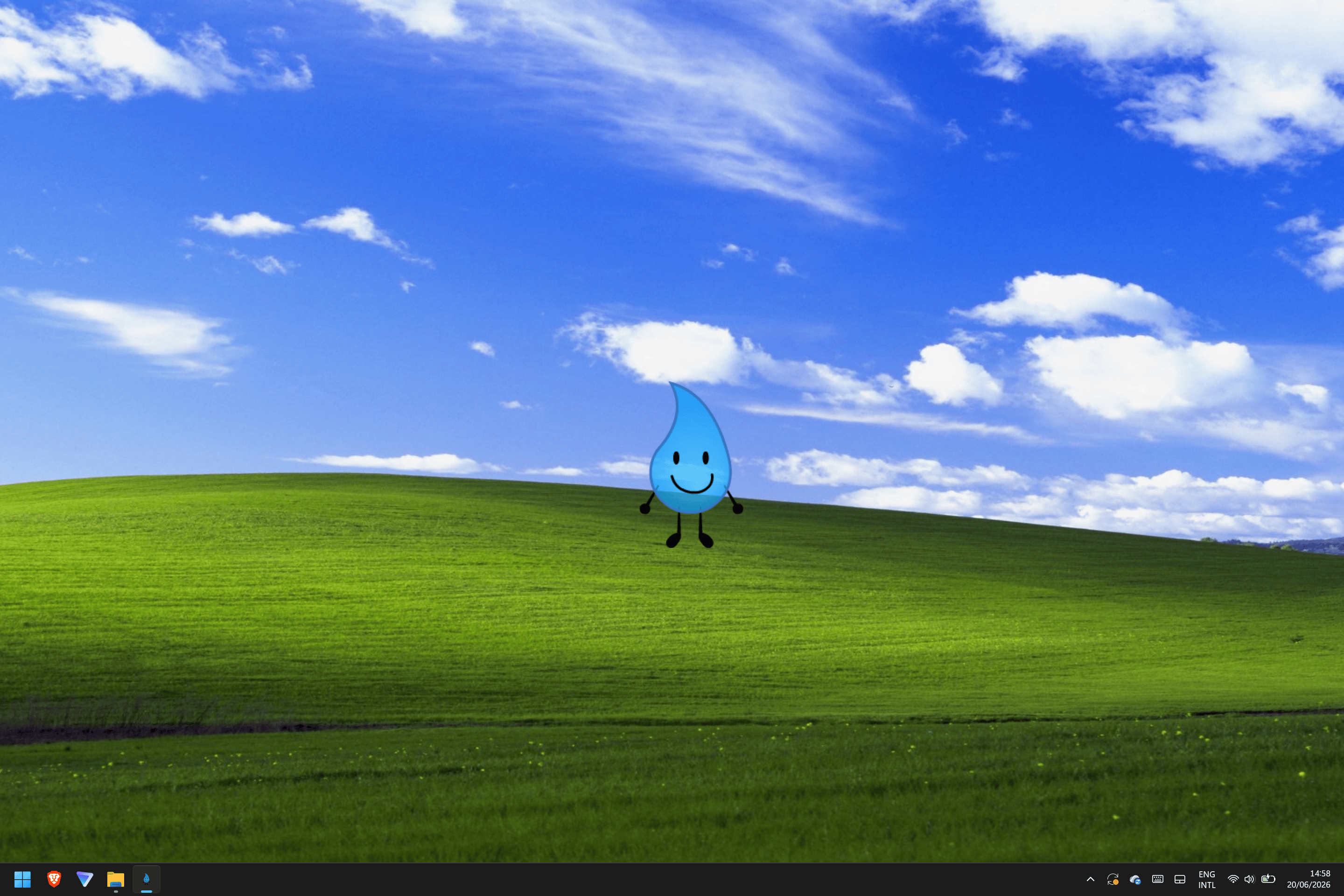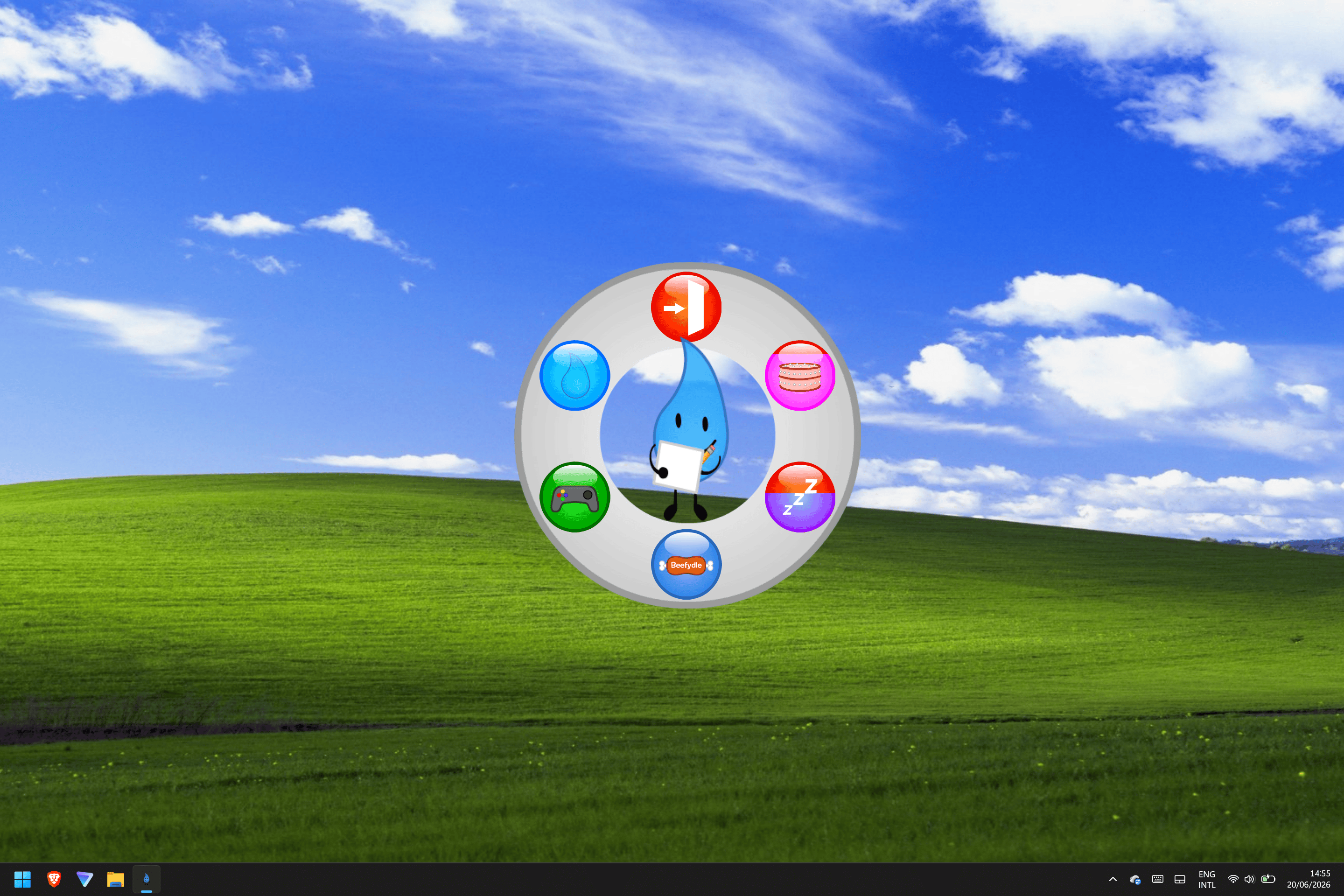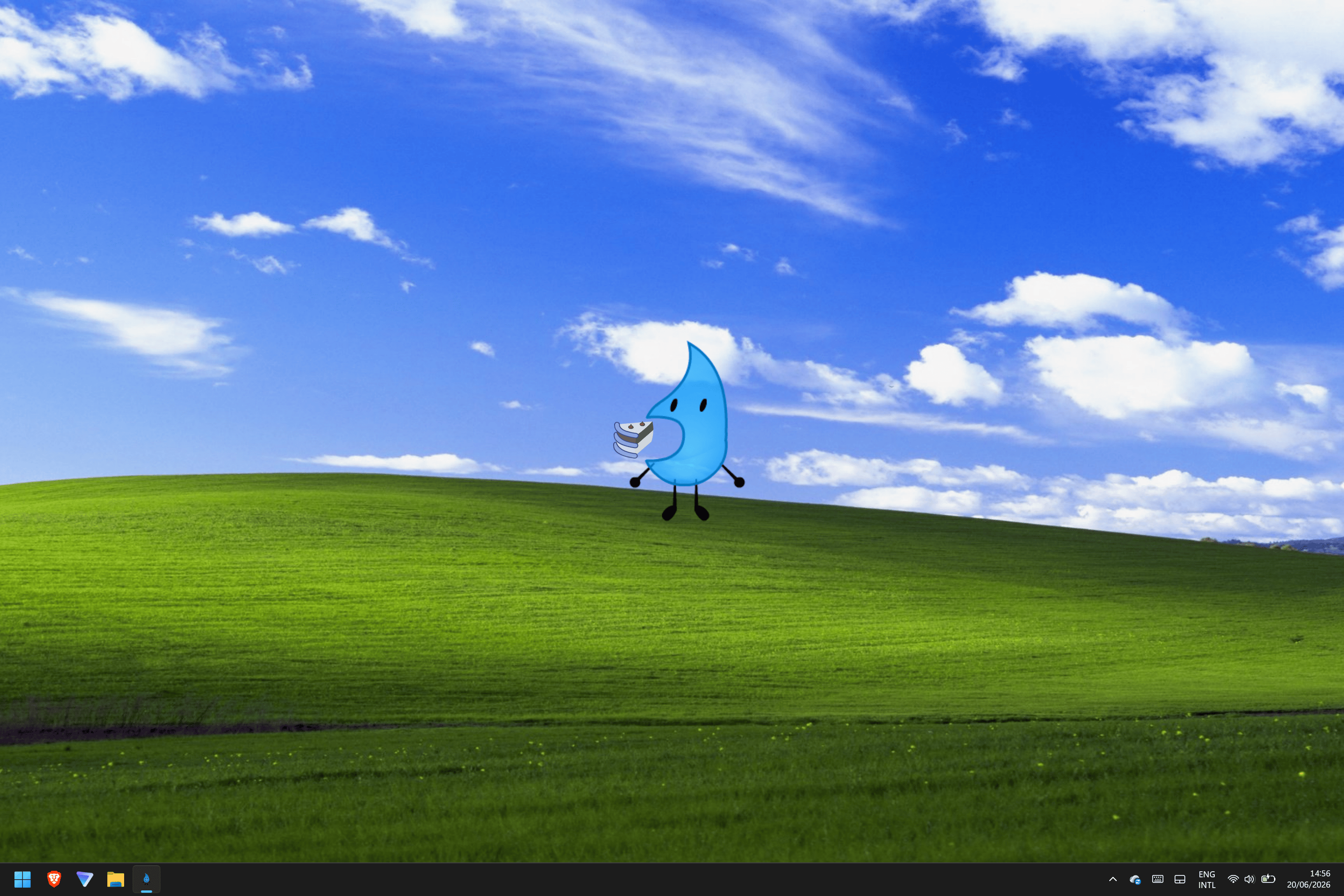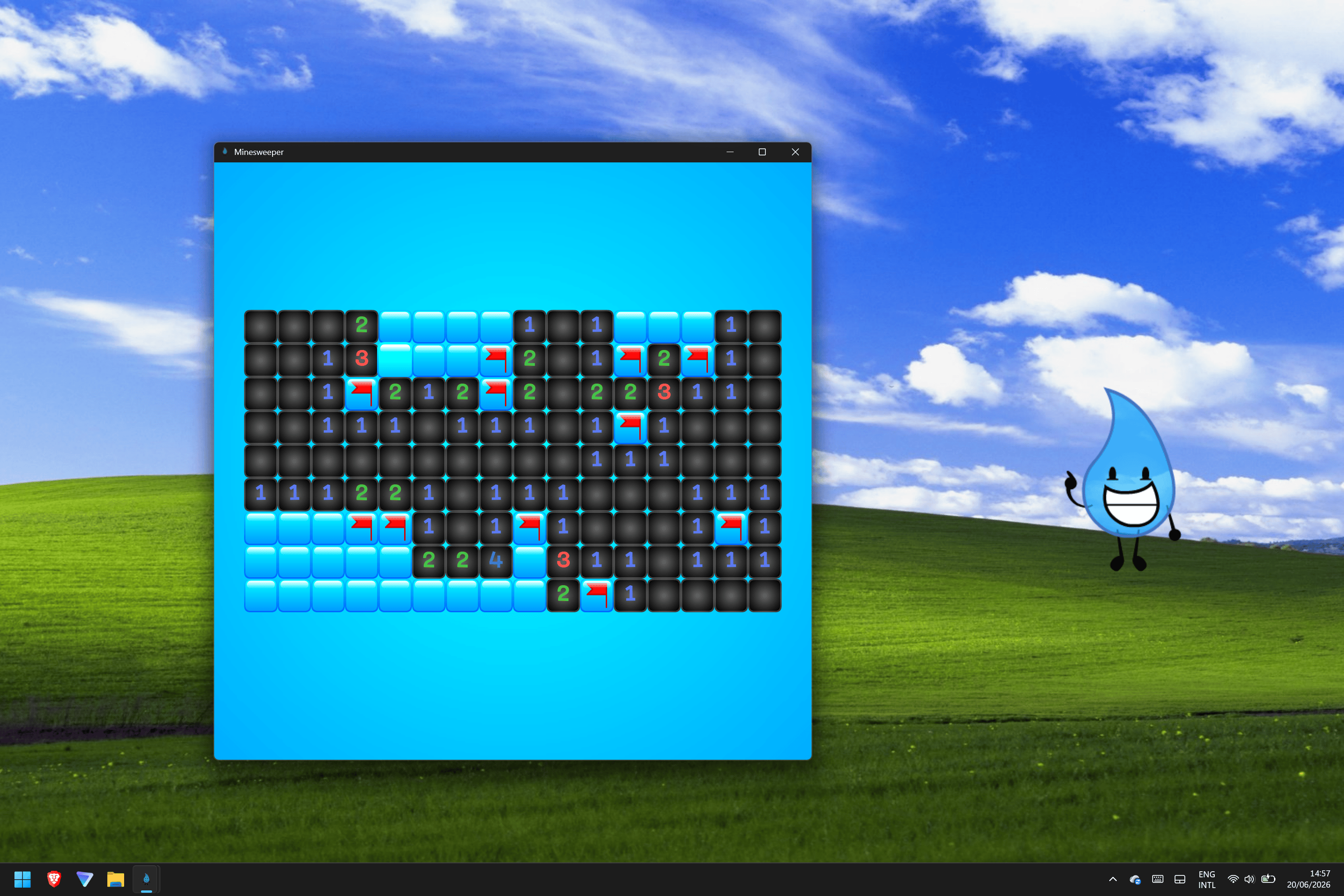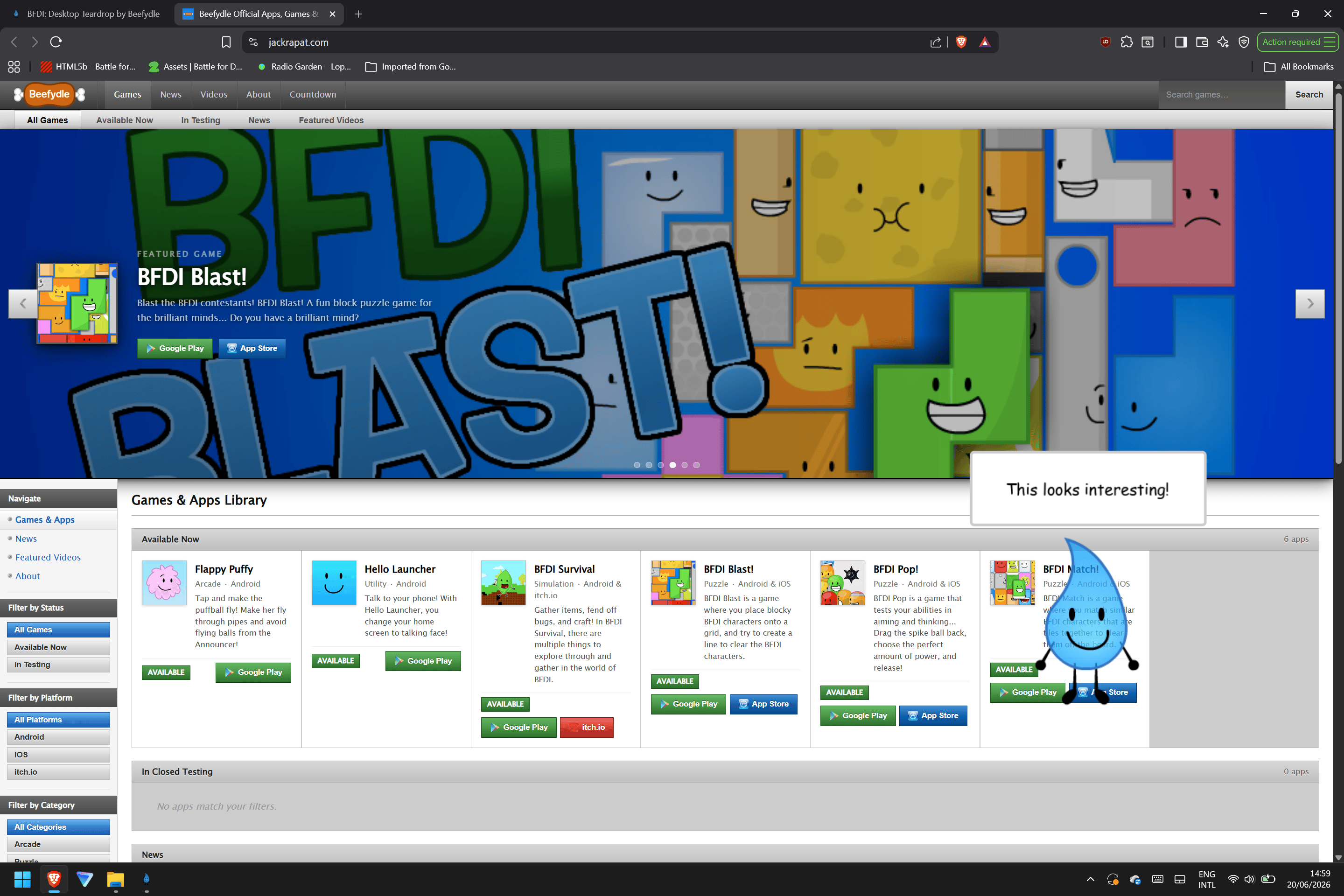
BFDI: Desktop Teardrop
A downloadable game for Windows and macOS




Get Desktop Teardrop NOW!
Available for Windows & macOS.
Download
Install instructions
Download and unzip the zip file.
For Windows: Run the EXE file of Desktop Teardrop. The DMG file is not needed.
For Mac: Open the DMG file and drag Desktop Teardrop into your applications folder. The EXE file is not needed.
To bypass any app open restrictions with Desktop Teardrop:
For Windows: A Smartscreen window will appear, blocking the app from running. Click 'More info' and click 'Run anyway'.
For Mac: A Gatekeeper window stating that Apple could not verify the app is free of malware will appear, blocking the app from running. Open system settings and open the privacy & security tab. Scroll down until you see a message around Desktop Teardrop. Click 'Open anyway'.
To update Desktop Teardrop:
For Windows: Delete the older Desktop Teardrop EXE file and download the newer EXE file
For Mac: Open the new DMG file and drag Desktop Teardrop into your applications folder. Replace the older app if asked.